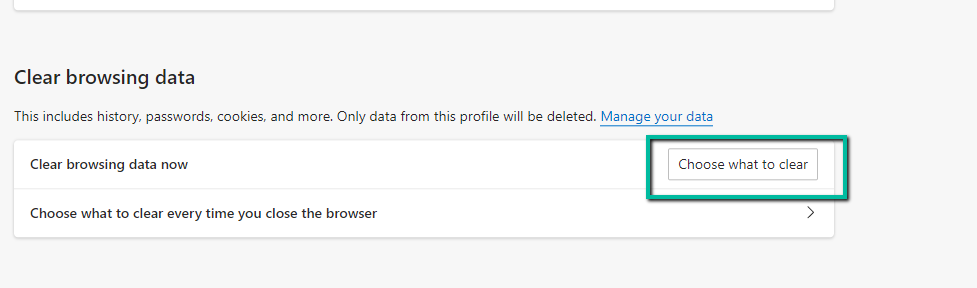
Under the Clear Browsing data header select Choose What to Clear
Open Microsoft Edge Browser
Select Settings and more (the icon that looks like 3 dots)
Select Settings from the drop-down menu
Navigate to Privacy, search, and services
Under the Clear Browsing data header select Choose What to Clear
On the Clear Browsing Data pop-up, it is recommended to select All Time under the time range
Click the Clear now button
Make sure to close your browser FIRST after clearing your data